SecureLink Talk
Encrypted communication for closed groups – company management, teams or the whole organisation. On your own server, for iPhone and Android.
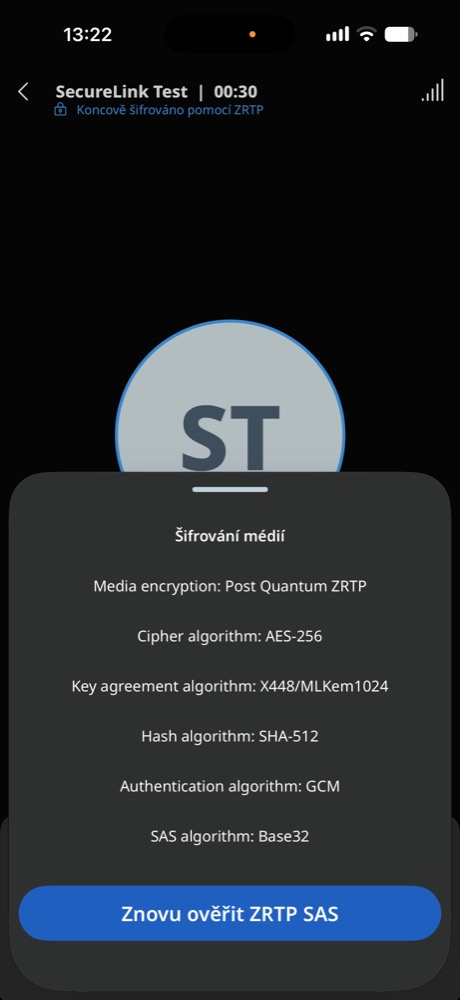
Discuss Talk for our organisationEvery call is protected by a combination of classical and post-quantum cryptography (X448 + ML-KEM-1024). Even if someone recorded a call today, according to current knowledge not even a quantum computer could decrypt it ten years from now.
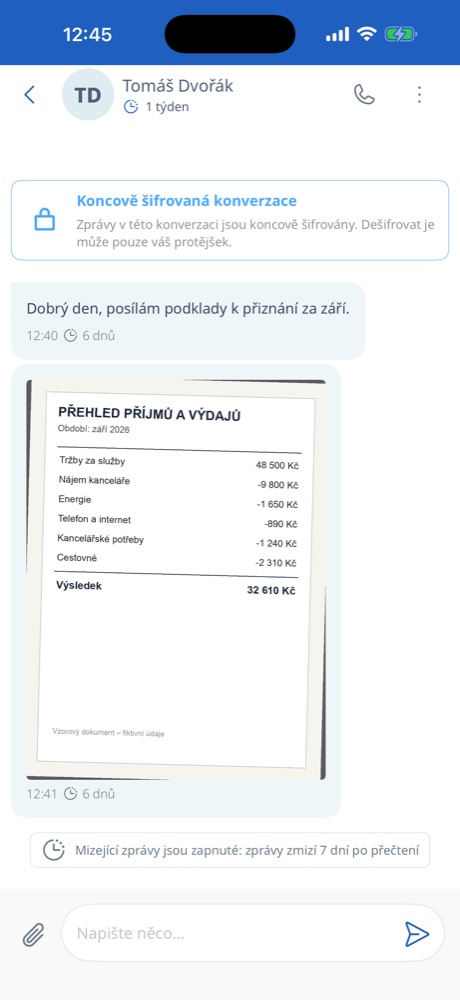
Messages, photos and documents are encrypted directly on the sender’s phone and can only be decrypted by the recipient’s phone. The server cannot read the content of messages and calls.
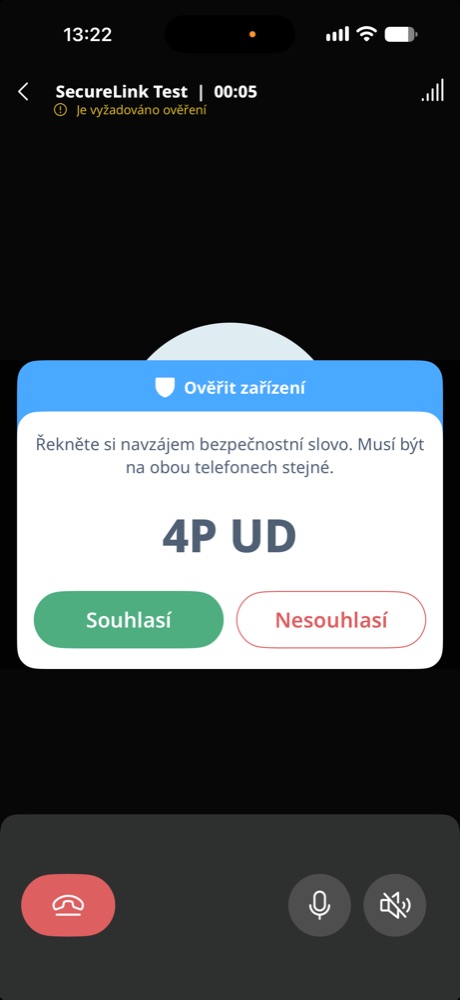
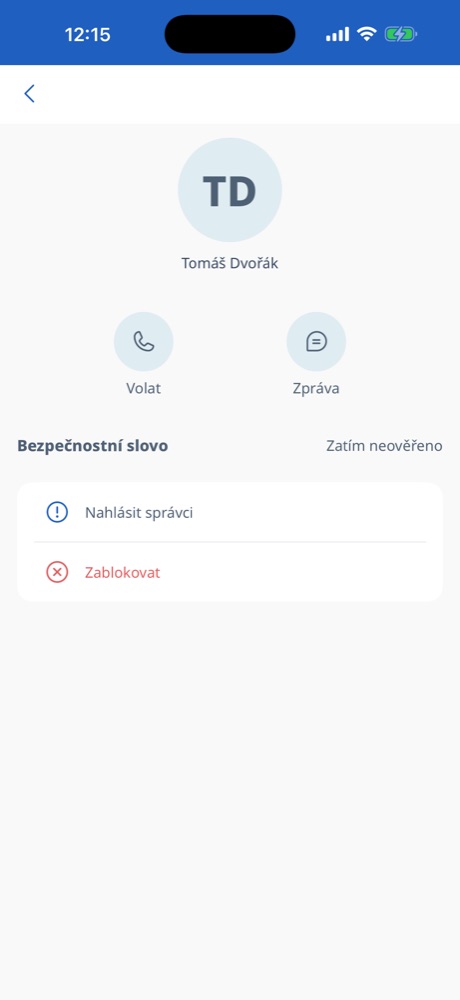
At the start of a call, both sides are shown the same short safety word. Read it out to each other – if it matches, you know nobody has inserted themselves into the connection.
The app remembers the check and does not ask again next time.
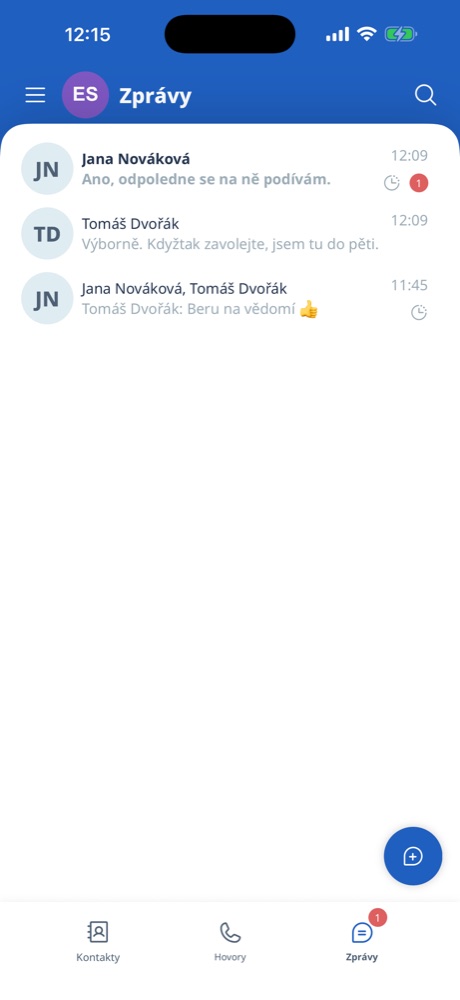
Nobody gets into SecureLink on their own – every account is created by the administrator, and people sign in with an invitation. Everyone sees only the people they need to talk to.
The app does not read the contacts on your phone and does not need a phone number – accounts are just random numbers.
Lost a phone? The administrator blocks it in one step and restores the account on a new one. Inappropriate content can be reported and the sender blocked right in the app.
Messages disappear from phones on their own after seven days at the latest.
What you get.
From the first conversation to the first encrypted call.
We install the system on your server and show you how to manage it. After that, you create users and invitations yourselves.
Get in touch SecureLink